
What if you didn’t need to learn all the confusing syntax, get through all of the error messages, and watch hours of tutorials before you even get your first coding project done? With the advancement of AI coding tools, anyone, even those with minimal programming experience, will be able to transform their ideas into functional websites, applications, and software in 2026. There are more and more options now, from AI-powered assistants that explain code to platforms that can create apps from simple prompts. Not all tools are created equal, however, for learning or building. Here, we’ll delve into 10 of the best AI coding tools for beginners, discussing their functions, essential capabilities, and who they’re best suited for.
1. Replit
Replit is an online development environment with the ability to write, run, share, and deploy projects from a browser. It has an AI Agent that can help develop applications, provide explanations of code, solve problems when errors occur, and modify code throughout a project.
Newbies have trouble installing programming languages, setting up their environment, and configuring their dependencies. Replit takes away a lot of that friction, so that users can begin to experiment at a rapid pace.
Key features
- Browser-based code editor.
- AI assistance for creating and modifying projects.
- Built-in execution and preview tools.
- Collaboration features.
- Hosting and deployment options.
- Support for multiple programming languages.
Our verdict
For most of the beginners, the best place to start is Replit. It is user-friendly and allows for a more approachable coding experience, but users need to ask the AI to explain the changes to them instead of taking the code generated by the AI for granted.
2. GitHub Copilot
GitHub Copilot is an AI coding assistant that’s available in supported editors, GitHub, terminals, and other developer tools. It recommends code, creates functions, detects files, and helps to debug.
Copilot is okay for stepping from beginners’ tutorials to coding. A learner can ask for an explanation, or he or she can request a small code suggestion right in the project’s code.
Key features
- Inline code completion.
- Natural-language chat.
- Code explanations.
- Debugging and refactoring assistance.
- Terminal and GitHub integrations.
- Support for multiple AI models and coding workflows, depending on the plan.
Our verdict
Choose Copilot if you want to learn traditional development with a standard code editor. It basically works for large prompts and is not suitable for single prompts.
3. Cursor
Cursor is an AI code editor available in VS Code. It can understand project files, suggest edits, answer questions about a codebase, and carry out multi-step coding tasks.
Cursor becomes valuable when a project has several files and the beginner no longer wants to explain every file manually. Its AI can use project context to help locate bugs and propose coordinated changes.
Key features
- AI chat within the editor.
- Codebase-aware questions and edits.
- Inline editing.
- Agent-style task execution.
- Support for multiple AI models.
- Familiar VS Code-style interface.
Our verdict
Cursor is one of the best upgrades after a beginner learns the basics. Start with small, reviewable tasks instead of asking it to build an entire application without supervision.
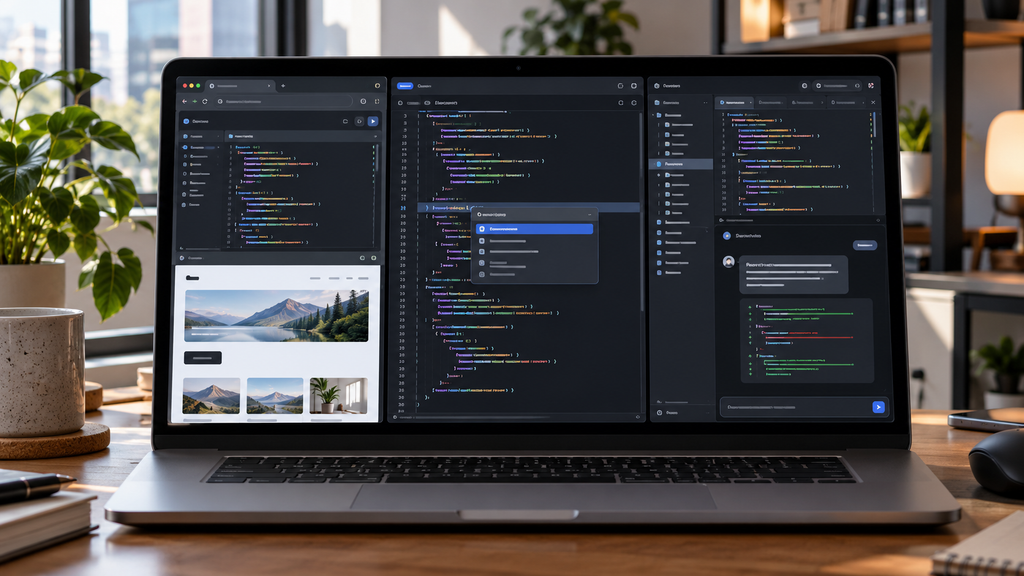
4. Gemini Code Assist
Gemini Code Assist is Google’s AI coding assistant for programming help across languages and development environments. Google’s individual developer page advertises access at no cost without requiring a credit card.
It can explain unfamiliar code, suggest completions, generate tests, and help beginners understand programming concepts while they work.
Key features
- Code completion.
- Chat-based programming assistance.
- Code explanation and generation.
- Debugging support.
- IDE integration.
- Google Cloud and enterprise options.
Our verdict
Gemini Code Assist is worth trying before paying for a coding assistant. It is particularly useful for learning concepts and generating small examples.
5. Claude Code
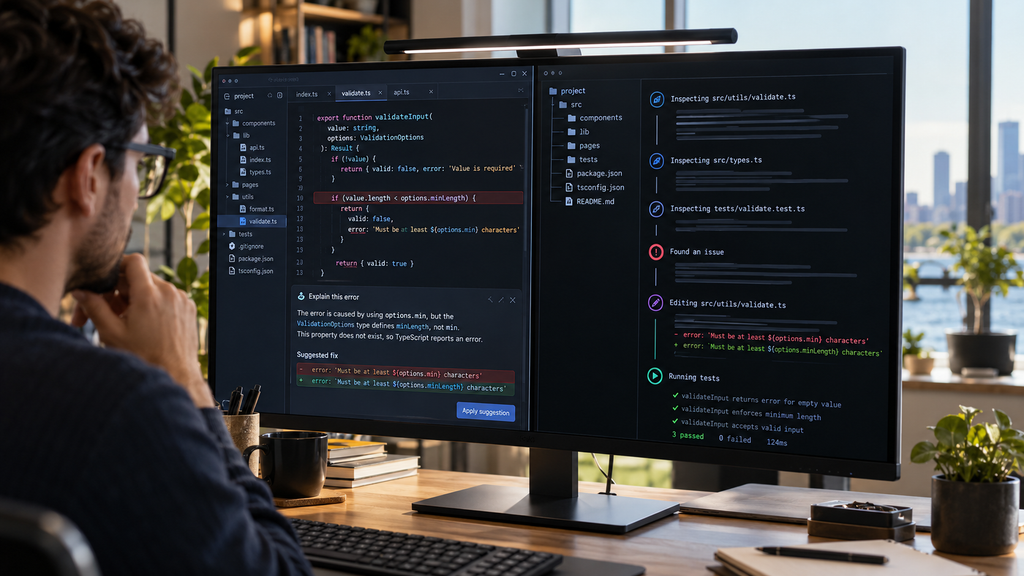
Claude Code is Anthropic’s terminal and IDE coding agent. It can understand a codebase, edit files, run commands, and help complete software-development tasks.
Claude Code is designed for tasks that involve reasoning across multiple files. It can help diagnose an error, inspect related code, implement a change, and run checks.
Key features
- Terminal-based coding assistance.
- Multi-file project understanding.
- File editing and command execution.
- Debugging and refactoring.
- Test and workflow support.
- IDE compatibility through supported integrations.
Our verdict
Claude Code is excellent once you understand files, commands, and version control. It should be treated as a coding partner, not an autonomous replacement for learning.
6. OpenAI Codex
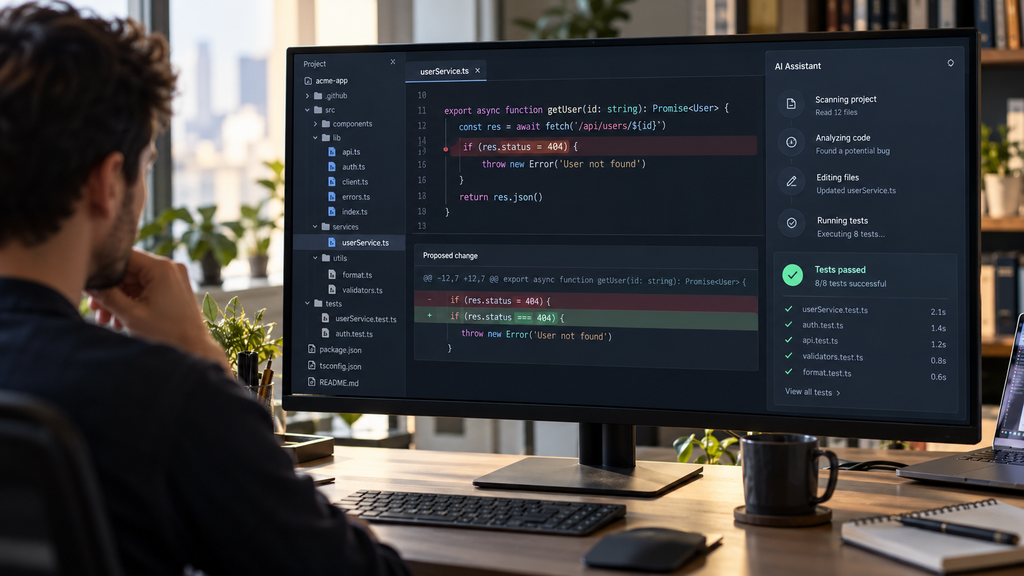
Codex is OpenAI’s coding agent for software-development tasks. It is available through supported ChatGPT plans and can also be used through API-based workflows. OpenAI describes Codex access across ChatGPT plans, with limited access on the Free plan and broader availability on paid plans.
Codex can help users understand repositories, write code, fix bugs, and complete structured development tasks.
Key features
- Coding-agent workflows.
- Repository and project assistance.
- Code generation and debugging.
- Support through ChatGPT and developer workflows.
- API access with usage-based pricing.
Our verdict
Codex is a practical choice for learners who already use ChatGPT. It works best when prompts specify the goal, files involved, constraints, and testing requirements.
7. Bolt.new
Bolt.new is a browser-based AI app builder that generates websites, prototypes, and applications from natural-language instructions.
A beginner can describe an idea and receive a working starting point without first learning every framework or configuration step.
Key features
- Prompt-based web and app development.
- Browser-based workspace.
- Live previews.
- Project iteration through natural language.
- Deployment and hosting features.
- GitHub and development workflow support, depending on the plan.
Our verdict
Bolt.new is excellent for visual learners and prototype-focused beginners. Use it to create a first version, then ask the tool to explain the generated files.
8. Lovable
Lovable is a tool to build websites, internal tools, and prototypes with natural language prompts using AI.
It lets non-programmers and new programmers/ developers take an idea and get it working in the interface, while introducing them to the structure and coding of an application.
Key features
- Prompt-based app creation.
- Front-end and back-end project workflows.
- Cloud credits and hosting options.
- Private projects on paid plans.
- Custom domains on eligible plans.
- Collaboration and business controls.
Our verdict
Lovable is a good option for beginners who think in terms of products and interfaces rather than programming languages. It is less ideal as a standalone tool for learning core programming concepts.
9. v0
v0 is Vercel’s AI development tool for generating user interfaces and web applications from prompts. It is especially associated with modern front-end development and React-based projects.
Beginners can use v0 to explore how interfaces are structured and turn design ideas into editable code.
Key features
- Prompt-based UI generation.
- React and web development workflows.
- Visual iteration.
- Vercel deployment.
- GitHub synchronization on eligible plans.
- Component and design generation.
Our verdict
Choose v0 if your goal is to build attractive web interfaces. It is not the first choice for learning programming logic, databases, or backend development.

10. Amazon Q Developer
Amazon Q Developer is AWS’s Artificial Intelligence for Software Development assistant. It provides support for coding assistance within IDEs and the command line, and can help with AWS-related tasks.
It’s great for beginners learning cloud development and for understanding AWS services, setup, and deployment processes.
Key features
- Code suggestions.
- Chat-based programming help.
- CLI assistance.
- AWS-aware development support.
- Security scanning.
- Java transformation features.
- Reference tracking for code licenses.
Our verdict
Amazon Q Developer is a sensible choice for AWS learners, but it is unnecessarily specialized for someone just starting with Python, JavaScript, or basic web development.
Comparison Table
| AI coding tool | Best for | Free option | Main strength | Difficulty |
| Replit | Complete beginners | Yes | Browser-based coding and AI app building | Easy |
| GitHub Copilot | Learning in VS Code | Yes, limited | Code suggestions and explanations | Easy to moderate |
| Cursor | AI-first coding | Yes, limited | Codebase-aware editing and agents | Moderate |
| Gemini Code Assist | Free individual coding help | Yes, subject to availability | Google-powered IDE assistance | Easy |
| Claude Code | Terminal-based development | No free coding access | Reasoning across files and commands | Moderate to advanced |
| OpenAI Codex | AI-assisted software tasks | Limited access through ChatGPT plans | Coding agents and repository work | Moderate |
| Bolt.new | Prompt-based web apps | Yes, limited | Fast browser-based prototypes | Easy |
| Lovable | Websites and internal tools | Yes, limited | Natural-language app creation | Easy |
| v0 | Interfaces and front-end prototypes | Yes, limited | React and UI generation | Easy to moderate |
| Amazon Q Developer | AWS and general development | Yes, limited | AWS-aware coding assistance | Moderate |

How to Choose the Right AI Coding Tool
- Choose an editor assistant if you want to learn programming properly while writing code. Copilot, Gemini Code Assist, and Cursor are better options.
- Check the learning curve. Autocomplete tools are easier at first, while agentic tools that edit several files require more supervision.
- Compare usage limits. A free plan may be enough for short exercises but not for building a complete application.
- Consider privacy. Do not paste passwords, API keys, private customer data, or confidential source code into a service without reviewing its data controls.
- Inspect the output. Check security, accessibility, error handling, dependencies, and licensing before publishing an application.
- Use the right ecosystem. Amazon Q is most useful with AWS, v0 with front-end and Vercel workflows, and Copilot with GitHub-based development.
Conclusion
With AI coding tools these days, it’s far easier to get started creating software without getting bogged down in line after line of code. However, the tool you require is based on what you’re looking to achieve. Replit is a good entry point for those looking for a user-friendly interface, while GitHub Copilot could be more suitable for those interested in traditional coding with AI support. When the need is to convert an idea into a working web application in a hurry, then there are tools like Bolt.new, Lovable, and v0.
On any platform you are using, remember to use AI as a learning tool and not an end in itself. To learn about complex code, to debug, to try out ideas, and to perform repetitive tasks faster. The ability to know what the code does and to improve it independently is still most valuable. Perform a small project with one tool and learn along the way.
FAQs
1. What is the most excellent AI coding tool for beginners?
The best general place to start is Replit, which has an online editor, AI, execution, preview, and hosting. GitHub Copilot is suited to students who are looking to use VS Code to learn.
2. What is the easiest coding tool to use that is powered by AI?
Browser-based tools like Replit, Bolt.new, and Lovable are typically the easiest to use, as they have minimal setup requirements. They’re great for prototypes; traditional editors are great for learning software development.
3. Best Python tool for Beginners?
When using Python exercises, you can try some of the following tools: GitHub Copilot, Gemini Code Assist, Replit, or ChatGPT and Codex. If you are interested in running code in a browser, then Replit is the easiest.