Midjourney is able to combine a still photo into a movie shot. InVideo can assist you in turning your concepts into videos, regardless of whether it’s a basic concept or a full-fledged idea. So which would be worth your time and money?
Now the real fun begins. MidJourney and InVideo are both incredible AI video makers, yet they’re intended for completely various errands. The advantage of Midjourney is that you have an eye for visually appealing, creative clips, while InVideo is for doing everything else from a concept to a more finished and edited video.
When it comes to choosing between Midjourney vs. InVideo for video generation, you’ll find out which ones excel at what, which ones fall short, the pricing, and—crucially—the one that’s more appropriate for the type of videos you’re looking to generate.
Quick Answer
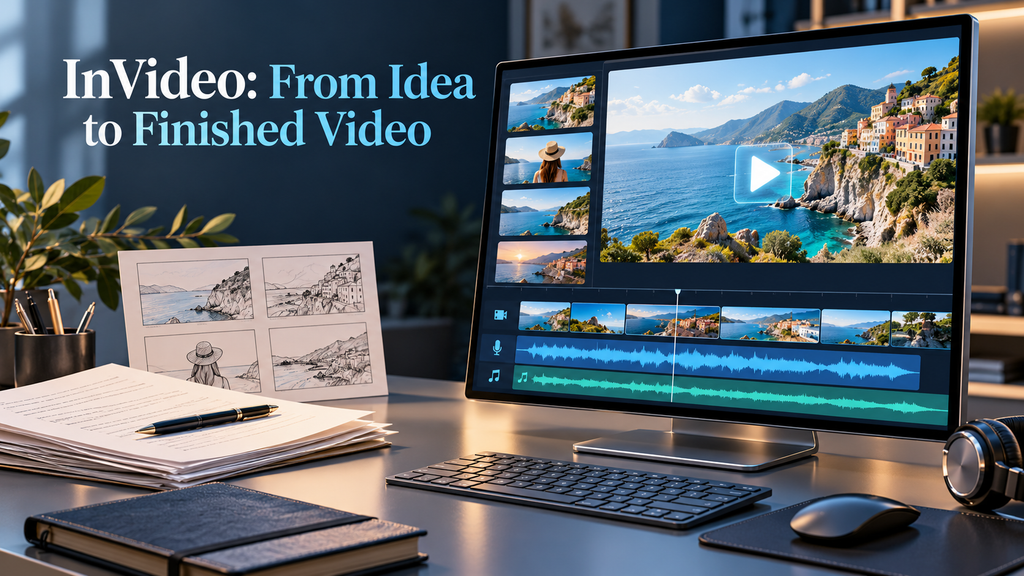
If it’s about making a believable video from a single concept or prompt, then you should go with InVideo. It’s designed for a larger production flow, instead of producing single clips. Combining multiple video models, a timeline editor, professional editing tools, stock footage, voice, and AI agents, InVideo’s current platform encompasses all these production tools.
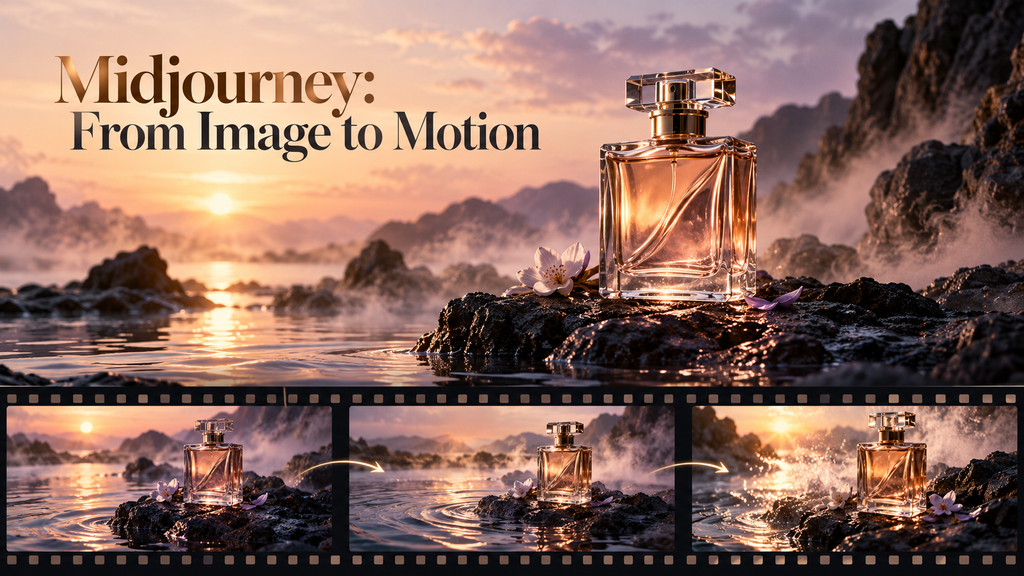
If you’re looking to create a visually high-quality, artistic style and a short clip, go with Midjourney. What Midjourney’s new video feature does is analyze a photo and transform it into a 5-second video. You can select low or high motion, set an optional prompt, loop videos, set an ending frame, and extend videos up to 21 seconds.
It can be easiest to understand the difference in the following manner:
“Create impressive visual shots with the aid of Midjourney. InVideo enables you to make complete videos.”
It’s more about which AI has “better video quality,” however.
Comparison Table
| Feature | Midjourney | InVideo |
| Main focus | AI images and short image-to-video clips | Complete AI video production |
| Video approach | Animate an image | Generate and assemble a complete video |
| Starting point | Midjourney image or uploaded image | Text idea, script, concept, footage, and other inputs |
| Typical clip length | Starts at 5 seconds; can extend to 21 seconds | Designed for longer finished projects |
| Text-to-complete-video workflow | Limited | Strong |
| Image-to-video | Yes | Yes |
| AI-generated visuals | Strong | Yes, through multiple models |
| Editing timeline | Not its primary focus | Yes |
| Stock footage | No comparable stock-video workflow | Yes |
| AI voice/video production workflow | Limited compared with InVideo | Yes |
| Multiple AI models | Primarily Midjourney’s own models | Access to multiple AI models |
| Best for | Artistic shots and visual experimentation | Finished videos and content production |
| Beginner friendliness | Easy for image animation, but more visual-focused | Strong for complete video creation |
| Free plan | No standard free tier | Free plan with limited credits |
| Starting paid plan | $10/month | $20/month monthly; annual pricing can be lower |
| Best overall for video production | — | InVideo |
Midjourney vs InVideo: Feature-by-Feature Comparison
1. Video Generation Approach
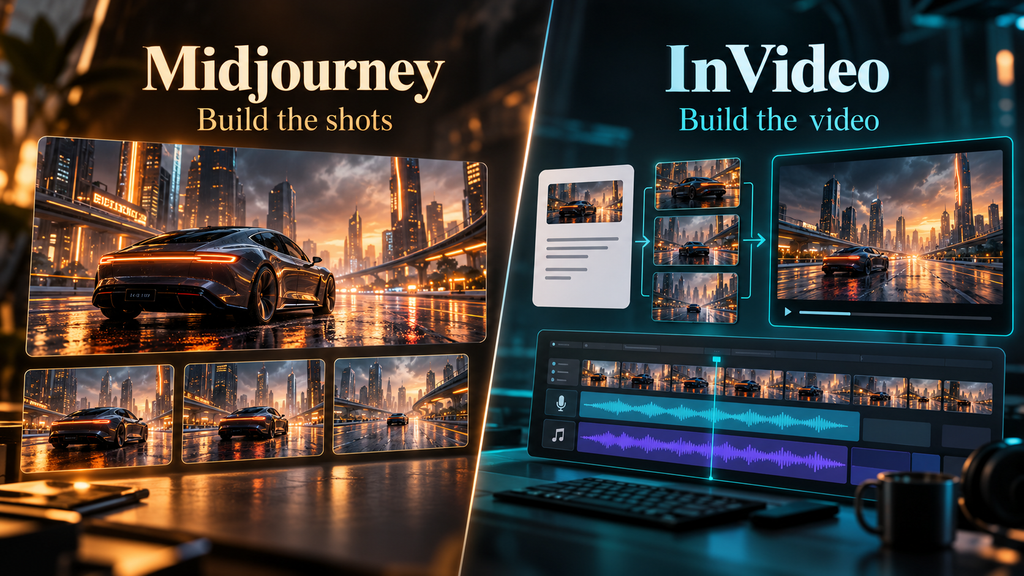
This is the biggest difference between the two. Midjourney is fundamentally image-first. You create a visual and then animate it. That approach gives you considerable creative control over the look of individual scenes, but it also means you are working shot by shot. InVideo is much more production-first. Its AI agent can take a larger creative brief and work toward a finished video.
Winner: InVideo
For creating complete videos, InVideo’s workflow is considerably more practical.
2. Visual Quality and Creative Style
Here’s where Midjourney really outshines. Midjourney’s image generation technology has always been about aesthetics, and this newest V8.1 update places an emphasis on understanding the prompt, creating coherent images, and enhancing the quality of the images. When one is in need of a unique image identity, that is when that image base becomes significant. Maybe you’re creating a futuristic city that is supposed to look like a movie, an imaginative product scene, or a stylized character, and then animating the image using Midjourney. Even powerful generative models can be integrated into InVideo, but its aim is more comprehensive – the complete video is created efficiently. When it comes to the creative potential of each visual scene, Midjourney has the upper hand.
Winner: Midjourney
3. Creating a Complete YouTube Video
This is where the comparison swings strongly toward InVideo. A YouTube video usually needs more than beautiful shots.
You need:
- A script
- Scene planning
- Visuals
- Narration
- Music
- Transitions
- Timing
- Editing
- Multiple clips
- A final export
InVideo is designed around that broader workflow. Midjourney can supply excellent visual material, but you would generally need additional tools to turn those individual clips into a polished long-form video.
Winner: InVideo
4. Image-to-Video
Midjourney’s image-to-video capability is one of its clearest strengths. You can take a Midjourney image and animate it, selecting low or high motion. You can also provide an ending frame or create a loop. InVideo can also use images as inputs for video generation, including through its Agents & Models workflow. But image animation is much closer to Midjourney’s core creative workflow.
Winner: Midjourney
5. Longer Videos
At the moment, Midjourney will begin videos after 5 seconds and can be extended up to 21 seconds. This is helpful for quick video snippets, but not for multi-minute videos. Unlike other short video clips, InVideo is designed around entire video projects, which makes it far more efficient for YouTube videos, explainers, marketing videos, and other longer projects.
Winner: InVideo
6. Editing
Another place where the tools are quite distinct. The three main areas of focus in Midjourney’s video workflow are video generation, video motion, and video extension. InVideo has an inbuilt timeline editor and has professional colour, sound, and 3D editing tools. That means you don’t have to jump straight into another video editing program and continue working on the video you created, but you can use it instead.
Winner: InVideo
7. AI Models
Midjourney is centered around its own generative ecosystem. InVideo takes a different approach by bringing multiple AI models into one production environment. Its current platform says its agents can route work across more than 200 AI models. This is useful because different models can have different strengths. Instead of choosing one model and doing everything with it, InVideo’s system can select models as part of the production workflow.
Winner: InVideo
Which AI Is Better For Different Users?
| User Type | Recommended | Why |
| YouTube creator | InVideo | Better complete-video workflow |
| Short-form creator | InVideo | Easier production and editing |
| Cinematic artist | Midjourney | Strong visual creativity |
| Product visual creator | Midjourney | Excellent image-first workflow |
| Marketing team | InVideo | Production, editing, and collaboration |
| Blogger creating videos | InVideo | Easier conversion of ideas into videos |
| Filmmaker experimenting with shots | Midjourney | Strong for visual concepts |
| Beginner making complete videos | InVideo | More complete workflow |
| AI image creator moving into video | Midjourney | Natural image-to-video transition |
| Social-media marketer | InVideo | Better end-to-end content creation |
How the Tools Compare in a Real Workflow
Suppose you need to create a video that takes about 60 seconds about an electric car of the future. The first step with Midjourney is to design the ideal hero shot of the car. You then animate that photo into a little clip, try out some movement, lengthen that clip, and repeat for the other shots. Creative control of individual scenes is good. InVideo allows you to explain the entire video concept. The platform can handle the whole production process, create the script and the visual sequence, and put together the project in the platform’s editing environment.
The difference becomes obvious:
Midjourney = build the shots
InVideo = build the video
Midjourney Pros and Cons
| Pros | Cons |
| Strong visual creativity | Video workflow is primarily image-first |
| Excellent for cinematic-looking concepts | Individual videos begin at 5 seconds |
| Image-to-video workflow | Maximum extended length is 21 seconds |
| Low- and high-motion controls | Not designed as a complete video editing suite |
| Looping and ending-frame options | Video generation consumes significant GPU time |
| Can extend videos to 21 seconds | HD video costs substantially more GPU time |
InVideo Pros and Cons
| Pros | Cons |
| Designed for complete video production | Credit-based pricing can be difficult to estimate |
| AI agent can handle broader production tasks | Heavy AI generation can consume credits quickly |
| Script and storyboard workflow | Higher-tier plans can become expensive |
| Access to many AI models | Output quality can depend on the underlying model and task |
| Timeline editing | More production-focused than purely artistic |
Conclusion
The two video platforms, Midjourney vs InVideo, cater to different types of video production. For cinematic visuals and short creative videos, Midjourney is the superior option, and for converting an idea into a complete and edited video, InVideo is the better option.
To make amazing shots, use Midjourney. To make full videos, choose InVideo. To get the best of both worlds, you can use Midjourney to create some imagery and InVideo to produce it.
FAQs
1. Can you use Midjourney for video generation?
Not universally. Midjourney is more appropriate for short clips of images to video and visual experimentation, while InVideo suits more for complete videos with scripting, generation, and editing. The best option is to choose which one you require, whether you require visual shots or are searching for a complete video.
2. Is InVideo better than Midjourney for YouTube videos?
For the majority of YouTube creators, InVideo is a better option. While the video feature of Midjourney centers on animating images into short video segments, its workflow is more geared towards video production as a whole, such as AI-generated videos and video editing. Its video feature is more about animating images to create short video clips, while its workflow is more oriented towards video production, including the creation of AI-generated videos and video editing.
3. Is Midjourney able to make videos from text?
The current video workflow that Midjourney offers is image-centric. You choose or upload the picture that will be the initial frame, and you can also include a textual description of the motion you want.