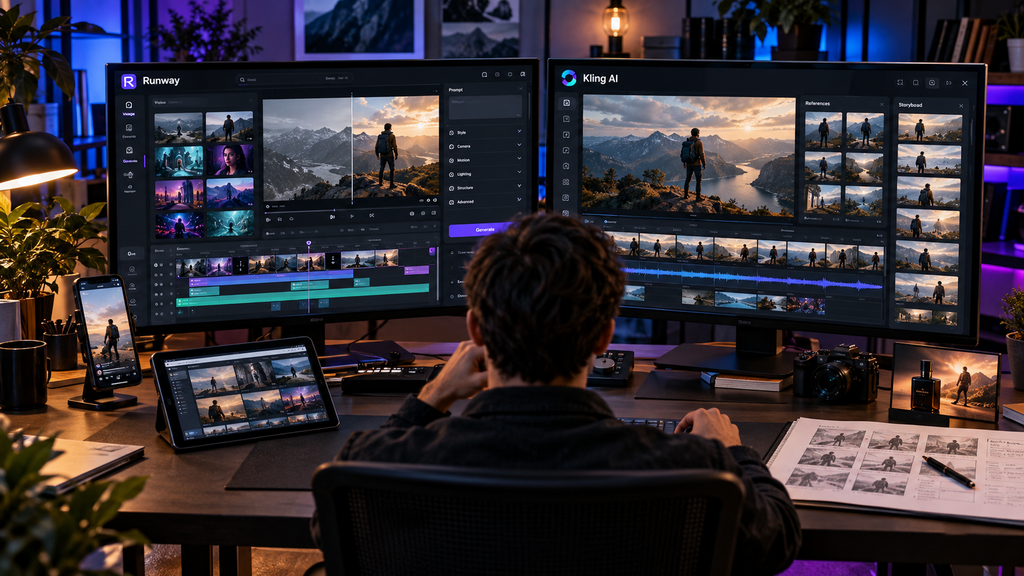
AI video generation is advancing rapidly, with two large brands vying for creators’ attention: Runway and Kling AI. Both can turn a simple prompt into a great-looking video, but they’re quite different.
Runway emphasizes a wider creative workflow, while Kling AI’s length, native audio, multi-shot storytelling, and 4K generation are its strengths.
However, which do you prefer to use? Let’s see how they each perform, what they can be used for, what features they offer, and the price they charge, and see which one is right for you in 2026.
Which One Is Better?
There isn’t one universal winner
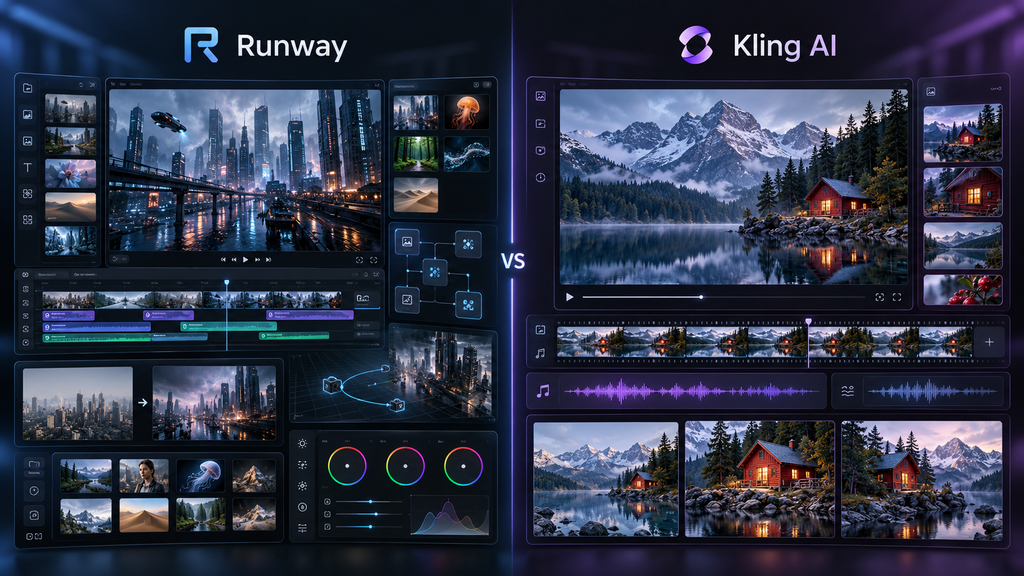
- Runway makes more sense if you want a broader creative-production platform with video generation, editing, and transformation tools, multiple models, workflows, and professional delivery options in one environment. Gen-4.5 is particularly focused on following complex prompts, camera choreography, and detailed scene instructions.
- Kling AI makes more sense if your priority is the generated video itself, particularly longer individual shots, native audio, multi-shot storytelling, reference-driven consistency, and native 4K output. Kling 3.0 supports videos up to 15 seconds and native audio in multiple languages and accents.
For someone completely new to AI video, Runway also has a meaningful advantage: its free plan currently provides 125 one-time credits, while Kling’s free Basic plan does not include monthly subscription video-generation credits.
For creators who generate frequently and care about credit volume and output resolution, Kling’s paid plans can be attractive.
Quick Comparision
| Feature | Runway | Kling AI |
| Developer | Runway | Kuaishou |
| Current flagship video generation | Gen-4.5 | Kling VIDEO 3.0 / 3.0 Omni |
| Text-to-video | Yes | Yes |
| Image-to-video | Yes | Yes |
| Maximum single-generation duration | 10 seconds for Gen-4.5 | Up to 15 seconds for Video 3.0 |
| Native audio | Available through Runway’s broader audio and model ecosystem; Gen-4.5 itself is primarily focused on video generation | Yes, supported by Kling 3.0 |
| Multi-shot storytelling | Supported through broader workflow and model tools | Explicitly supported by Video 3.0 |
| Native 4K video | Gen-4.5 offers 720p base output, with 4K upscaling options | Native 4K introduced with Kling 3.0 |
| Video editing | Strong platform-level editing and transformation tools | Generation and in-video editing capabilities |
| Reference and consistency tools | Yes | Strong reference-based generation, especially with 3.0 Omni |
| Professional formats | ProRes, PNG sequences, and 10-bit SDR/HDR support on Gen-4.5/Aleph 2.0 | 4K and other professional generation options |
| Free plan | 125 one-time credits | Basic free tier; subscription credits are not included |
| Entry paid plan | Standard | Standard |
| Best suited to | Full creative workflows and controlled production | Generation-first workflows, longer shots, and high-resolution output |
Runway vs Kling AI: Feature-by-Feature Comparison
1. AI Model and Prompt Understanding
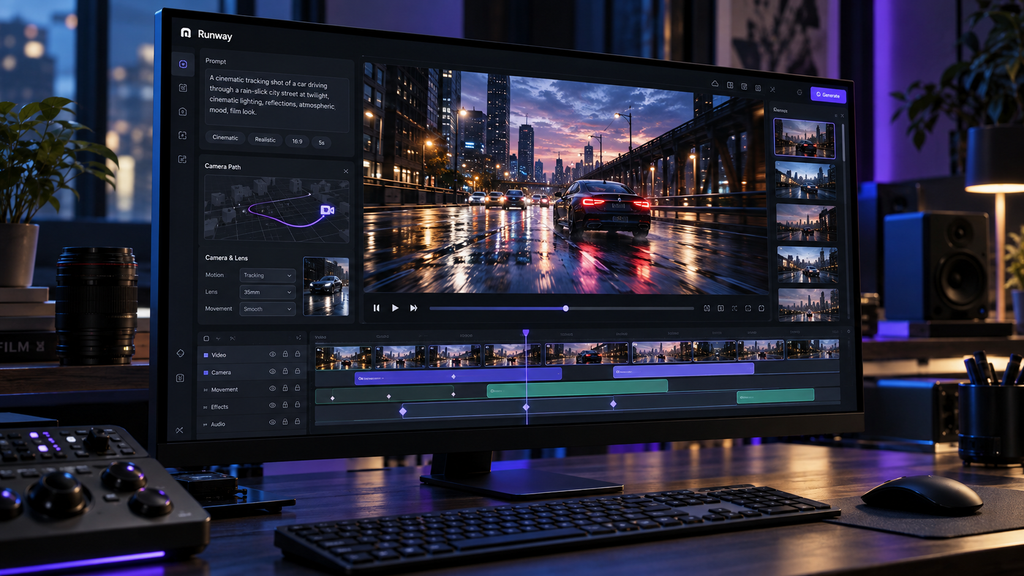
Runway Gen-4.5 is explicitly designed to handle complicated instructions involving multiple actions, camera movement, timing, and scene composition. That makes it useful when your prompt resembles a director’s shot description rather than a simple visual request. Kling 3.0 approaches the problem differently. Its emphasis is on narrative control, multi-shot generation, reference consistency, and audio-visual coordination.
- Practical difference: Runway is particularly interesting when you need detailed control over how a shot is constructed. Kling becomes particularly compelling when the prompt describes a more complete sequence.
2. Writing and Script-Driven Video Creation
Neither Runway nor Kling is primarily a writing assistant. The more relevant question is how effectively each converts a script or creative brief into visual material.
Runway’s broader platform is useful when script-to-video production involves repeated generation, editing, transformation, and post-production. Its Agent and Workflows features are designed to connect multiple creative operations.
Kling’s advantage is closer to the generation stage. Its multi-shot storytelling system allows creators to describe multiple shots and narrative events within a generation workflow.
- For a filmmaker building an entire workflow: Runway has the broader toolkit.
- For generating narrative shots directly: Kling deserves serious consideration.
3. Image and Multimodal Capabilities
This is an important area for both.
Runway supports image-to-video and has expanded its platform around image, video, and audio generation. Its current model ecosystem includes several multimodal video models.
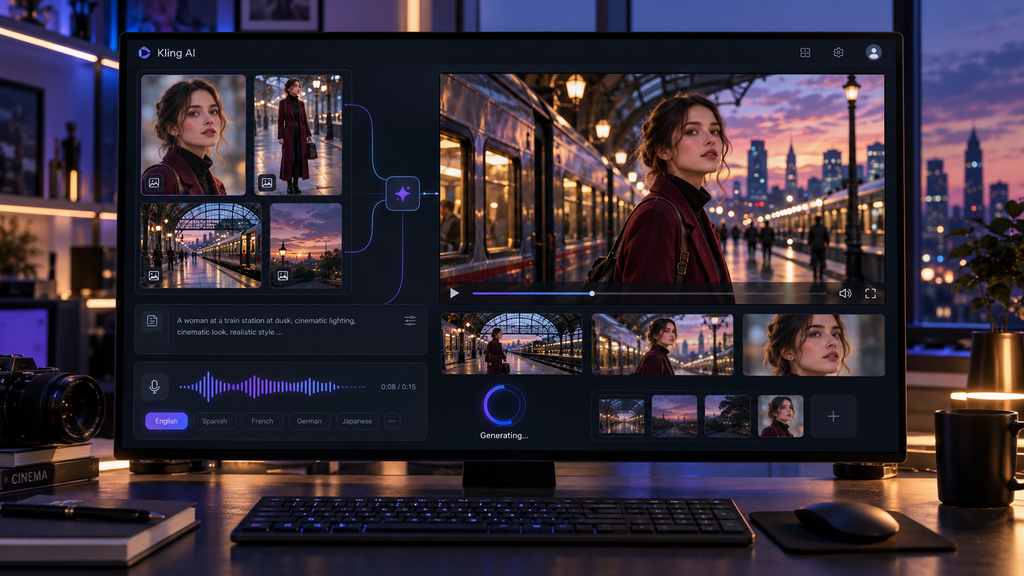
Kling 3.0 supports text, images, audio, and video within its multimodal architecture. Its Omni model is especially focused on reference-driven generation, while the Kling 3.0 family supports image-to-video and reference-to-video workflows.
Kling’s native audio generation is particularly notable. Kuaishou says Video 3.0 can generate speech across several languages and accents and handle multi-character dialogue scenes.
For native audio inside the generated video, Kling has a clearly documented advantage.
4. File and Document Analysis
Neither platform is primarily designed to replace dedicated document-analysis AI.
Runway’s focus is creative assets and media. Kling similarly focuses on visual and audiovisual inputs.
If your workflow starts with PDFs, spreadsheets, or research papers, it is generally more sensible to analyze those materials with a dedicated AI assistant before moving the resulting script or creative assets into a video generator.
5. Video Length
This is one of the clearest differences.
- Runway Gen-4.5 supports 2–10 seconds per generation.
- Kling Video 3.0 supports up to 15 seconds in a single generation.
Five additional seconds may sound small, but it can matter when generating dialogue, product demonstrations, action sequences, or uninterrupted camera movements.
For longer individual AI-generated shots: Kling has the advantage.
6. Audio
Kling has built native audio directly into Video 3.0. Kuaishou describes multilingual speech, accents, multi-character dialogue, and control over delivery and speaking order.
Runway’s platform also includes audio generation tools and supports audio-related models, but Gen-4.5’s core documentation is focused on video generation rather than native audiovisual generation in the same way Kling 3.0 is. For a creator who wants video and synchronized dialogue/audio generated together, Kling is the more directly relevant option.
7. 4K Video
This is another major difference.
Kling introduced native 4K video generation for its 3.0 model family in 2026, according to Kuaishou.
Runway’s Gen-4.5 documentation identifies its base generation output at 720p, while Runway’s paid plans provide 4K upscaling. Its developer platform also offers professional formats such as ProRes, PNG sequences, 10-bit SDR and HDR for supported flagship models.
This distinction matters:
- Native 4K generation is not the same thing as generating lower-resolution video and then upscaling it.
- If native high-resolution generation is a major part of your workflow, Kling currently has the more direct offering
Which AI Is Better for Different Users?
| User Type | More Suitable Starting Point | Why |
| Student experimenting with AI video | Runway | Easy way to test video generation through its one-time free credits |
| YouTube creator | Either | Choose Runway for broader editing and workflow tools, or Kling for better generation economics |
| TikTok/Reels creator | Kling | Longer shots, native audio, and high-volume generation can be useful |
| Filmmaker | Runway | Stronger, broader production capabilities and professional workflow |
| Advertising creator | Either | Runway offers broader production tools, while Kling provides strong generation and 4K output |
| Product marketer | Kling | Reference consistency, text preservation, and 4K output can be useful |
| AI video hobbyist | Kling | Free/basic access and relatively inexpensive entry-level paid plans |
| Professional creative team | Runway | Broader workflow and AI model ecosystem |
| Developer or automation user | Either | Both offer developer and automation options, but their ecosystem approaches differ |
| High-volume creator | Kling | Larger credit allocations are available on higher-tier plans |
| Creator needing native audio | Kling | Native audio is a core feature of Video 3.0 |
| Creator needing 4K generation | Kling | Native 4K video is available with Kling 3.0 |
| Creator needing one broad creative workspace | Runway | Combines generation, editing, workflows, audio tools, and multiple AI models |
Which AI Video Generator Should You Choose?
Choose Runway if you:
- Want a broader AI video-production environment
- Care about detailed camera and scene direction
- Need editing and transformation tools alongside generation
- Want access to multiple AI models in one platform
- Need professional delivery formats
- Want to experiment before paying
- Prefer an integrated creative workflow
Choose Kling AI if you:
- Want longer individual generated shots
- Need native audio
- Want native 4K generation
- Create lots of short-form video
- Need reference-based character or product consistency
- Prefer a generation-first workflow
- Want a larger credit allowance at higher subscription tiers
Choose both if you:
- Produce a lot of AI video
- Want to compare outputs before committing to a model
- Need different tools for different shots
- Work professionally and can justify multiple subscriptions
Runway Pros and Cons
| Pros | Cons |
| Strong prompt and camera control | Gen-4.5 is limited to 10 seconds per generation |
| Broad creative-production ecosystem | Native 4K generation is not the same as 4K upscaling |
| Gen-4.5 supports text-to-video and image-to-video generation | Paid plans can become expensive for high-volume generation |
| Multiple AI models are available within the platform | Monthly credits on Standard and Pro plans do not roll over |
| Strong editing and transformation capabilities | The growing number of models and tools can make the platform more complicated for beginners |
Kling AI Pros and Cons
| Pros | Cons |
| Up to 15-second Video 3.0 generations | Subscription credits generally expire after their monthly validity period |
| Native audio support | Free/basic usage has important limitations |
| Multi-shot storytelling | Kling’s broader editing and production environment is less extensive than Runway’s |
| Strong reference-based generation | Pricing and promotional offers can make comparisons confusing |
| Native 4K video | The large number of generation modes and credit rules requires some learning |
Conclusion
Both Runway and Kling AI provide great AI-generated video tools, but in different ways. For those who prefer a more expansive creative and editing platform, Runway offers a wider range of tools, while Kling AI shines with longer clips, its native audio capabilities, multi-shot storytelling, and 4K generation.
If you are in doubt, use the same tool prompt and compare the results between the two tools. For a wider creative workflow, opt for Runway, and for high-quality clips, extended generation, and native audio, select Kling AI.
FAQs
1. Is Runway better than Kling AI?
It depends on the workflow. Runway has a broader creative platform with generation, editing, workflows, and access to multiple models. Kling emphasizes video generation, native audio, multi-shot storytelling, reference consistency, and native 4K.
2. Which is better for cinematic AI video?
Both can produce cinematic material, but they emphasize different controls. Runway Gen-4.5 is specifically designed to follow complex camera choreography and detailed scene instructions. Kling 3.0 emphasizes photorealism, multi-shot storytelling, and reference consistency.
3. Which is better for longer AI video clips?
Kling has the documented advantage for individual generations. Video 3.0 supports up to 15 seconds, compared with 2–10 seconds for Runway Gen-4.5.