Visualize typing a sentence and transforming it into a video. No longer the stuff of fiction. It is now possible to generate video content that looks realistic, is animated, has motion, and can even have dialogue and sound added to it in minutes in 2026 using AI video generators.
The difficult part is deciding which tool is a worthwhile use. We’ve compiled a list of the 7 best AI video generators of 2026 for all kinds of video clips for movies, social media, business, or creative projects. Below is the list:
1. Runway
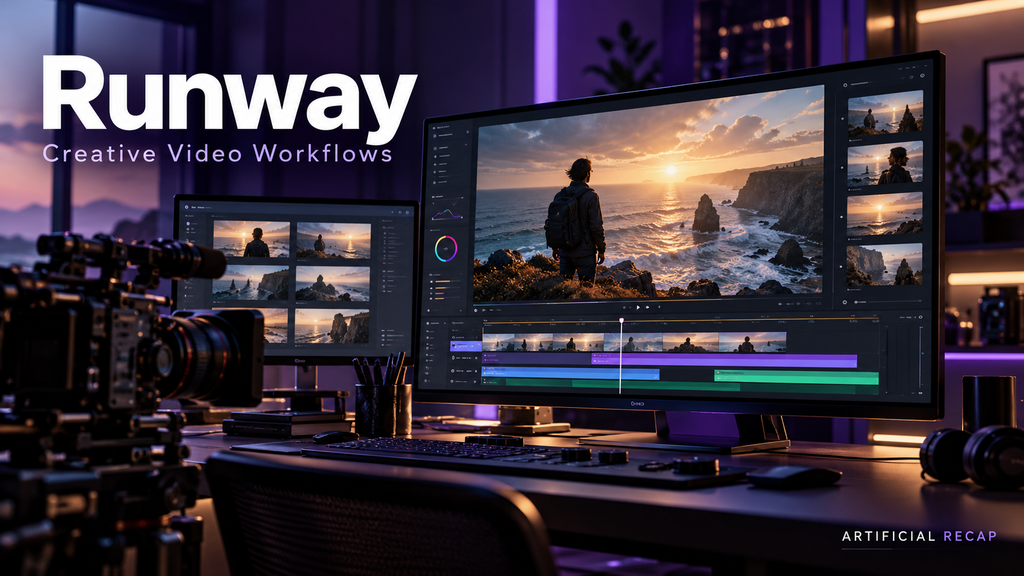
Runway is a creative AI suite of tools for creating and editing images, video, and audio. It allows you to produce text-to-video, image-to-video, transform a video, upscale a video, generate sound, and more in the same workspace.
The pricing page it is currently shows a price of 12 credits per second for Gen-4.5. There are 125 one-time credits with the free plan, monthly credits, and access to additional models with paid plans. The Standard plan has a price of $15/mo or $12/mo for annual billing.
Runway is helpful for those who need more than one clip generated. It integrates generation, editing, and creative control in a functional way for concept videos, advertising, visuals for music, storyboards, and short films.
Key features
- Text and image-to-video generation.
- Video editing and transformation tools.
- Gen-4.5 and other video models.
- Music, voice, and sound-effects generation.
- 4K upscaling.
- Custom voices on selected paid plans.
- Access to third-party models, including Kling 3.0, through the platform.
Our verdict
Runway is by far the most versatile on this list. Pick it out if you prefer to have creative control and use multiple AI media tools instead of a prompt-to-video generator.
2. Google Veo 3.1
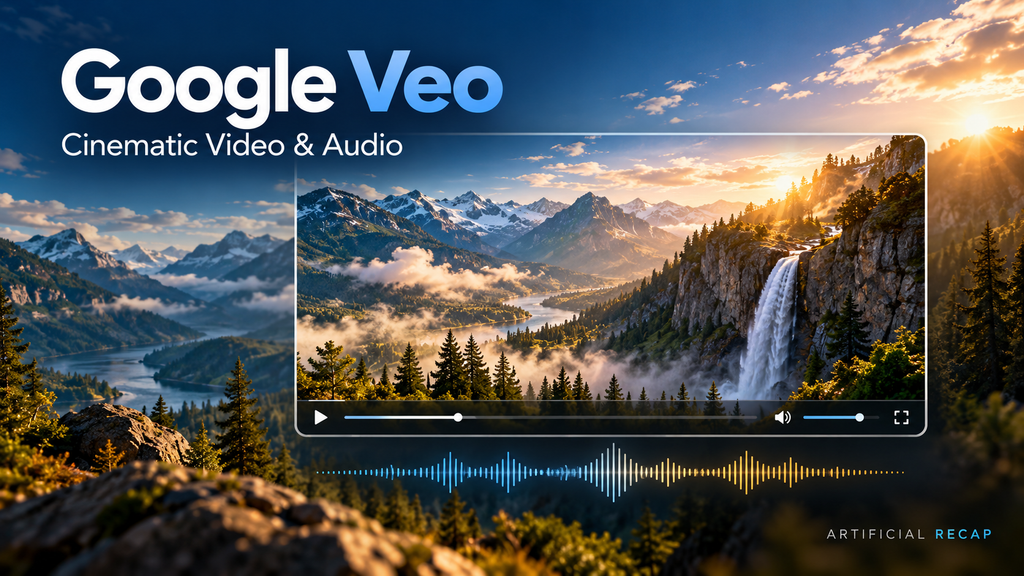
Veo 3.1 is Google’s AI video generation model for creating videos from text prompts and reference images. Google highlights realistic visuals, native audio, reference-image guidance, video extension, and first-and-last-frame control.
Veo 3.1 is particularly useful for cinematic concepts, product demonstrations, visual storytelling, and scenes that need synchronized speech, ambience, or sound effects.
Key features
- Text-to-video generation.
- Image-to-video generation.
- Native audio generation.
- Up to three reference images for visual direction.
- First-frame and last-frame control.
- Video extension.
- Access through Google’s developer ecosystem and selected Google products.
Our verdict
Veo 3.1 is one of the best options for realistic short scenes with sound. It is a strong choice when visual quality and audio synchronization matter more than having a complete editing suite.
3. Kling AI
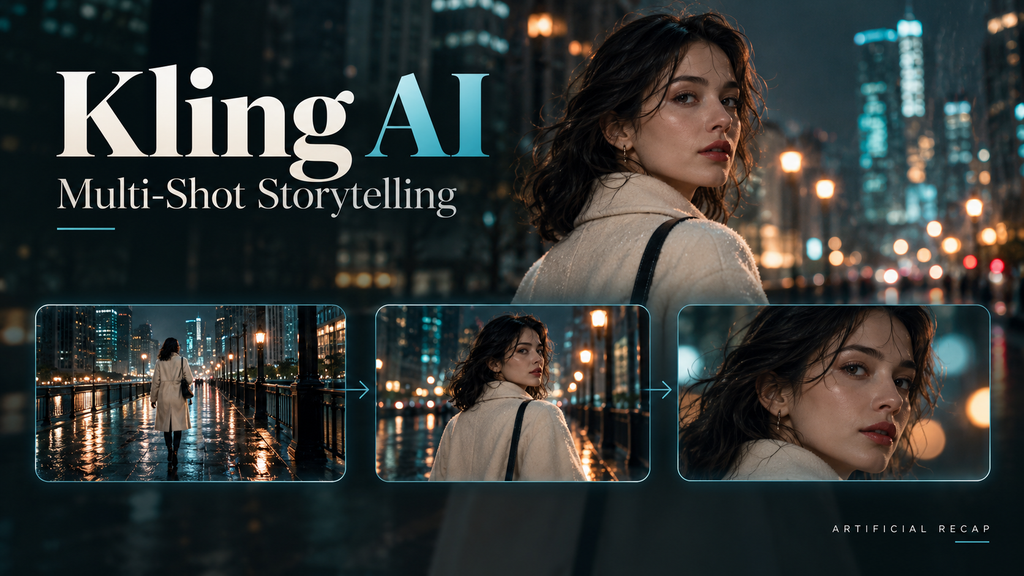
Kling AI is a text-to-video, image-to-video, character consistency, multi-shot storytelling, and native audio generative video platform. It has a Video 3.0 model that allows for up to 15-second clips and features multi-shot generation.
Kling is useful for creators who want connected shots rather than one isolated moment. Its multi-shot modes can help plan changes in framing, camera movement, and scene progression.
Key features
- Text and image-to-video generation.
- Multi-shot and custom multi-shot modes.
- Start-frame and end-frame control.
- Character and subject consistency.
- Up to 15-second generation with Video 3.0.
- Support for multilingual audio on selected workflows.
Our verdict
Kling AI is a compelling choice for creators who want more structured storytelling than a basic single-shot generator offers. It is especially useful for short cinematic sequences and product-focused visuals.
4. Adobe Firefly
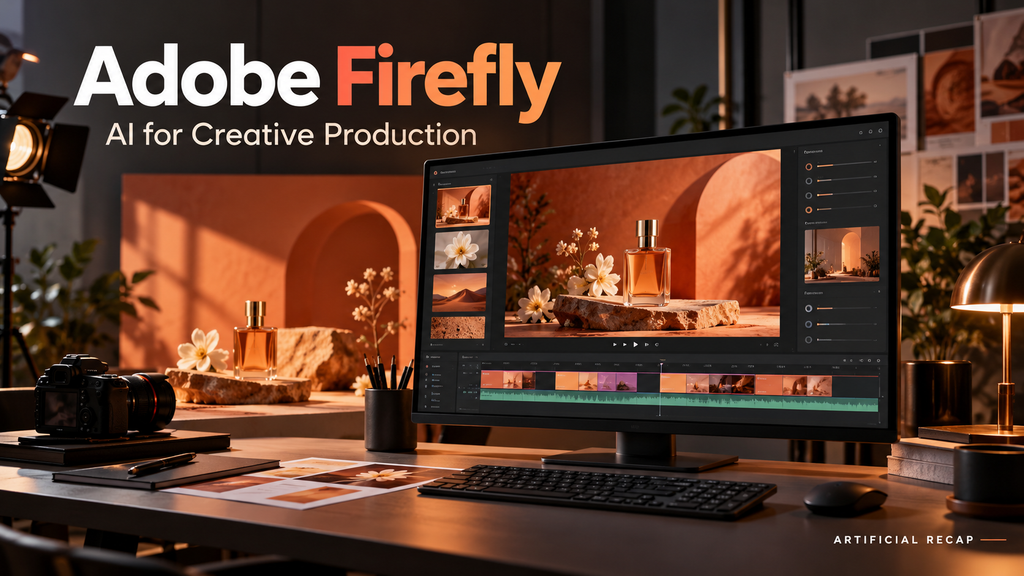
Adobe Firefly is Adobe’s generative AI platform for creating and editing images, video, audio, and design assets. It connects with Adobe’s broader ecosystem and can provide access to Adobe and partner models in one workflow.
Adobe offers a free plan, though with a daily limit on the number of generations. There are paid plans: Firefly Standard (9.99/month),FireflyPro(19.99), Pro Plus (49.99)andPremium(199.99). Generative credits and the amount of video access vary by plan.
Firefly is helpful to marketers, designers, and video editors who are already working with Photoshop, Premiere, Express, or some other Adobe product. It’s not about making a whole movie in a single shot but more about how to integrate AI generation into a professional filmmaking process.
Key features
- Text-to-video generation.
- Image and design generation.
- Generative editing tools.
- Integration with Adobe applications.
- Access to selected partner models.
- Generative credits for video and audio.
- Content Credentials and Adobe’s commercially focused Firefly models.
Our verdict
Firefly is the practical option for teams already using Adobe software. It is particularly attractive when AI-generated video must move quickly into editing, design, brand review, or campaign production.
5. HeyGen
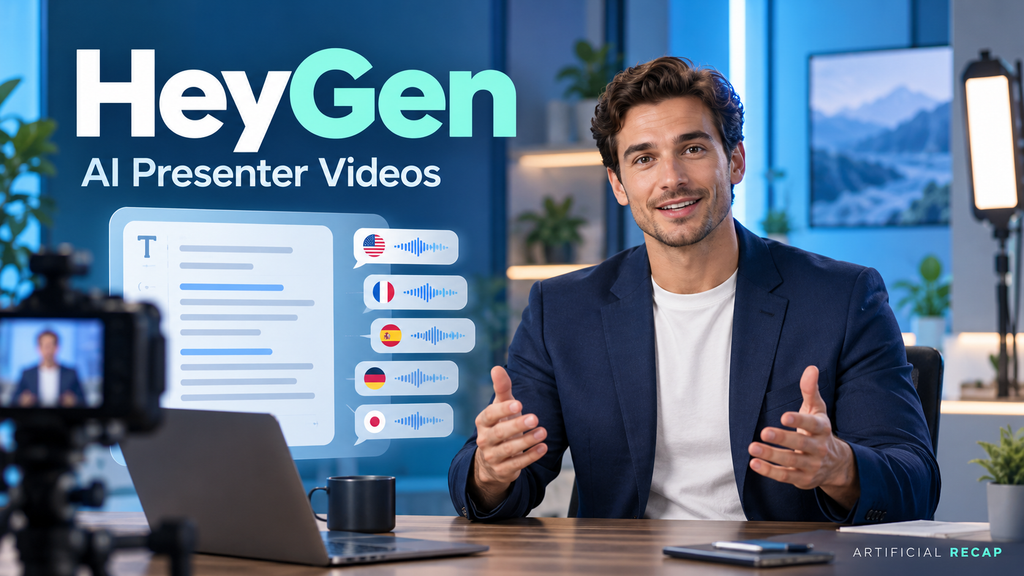
HeyGen is an AI video platform for creating presenter-led videos with digital avatars, AI voices, translation, and voice cloning. It is designed for marketing, sales, training, localization, and social content rather than cinematic scene generation.
The free plan allows up to three videos per month, with videos up to one minute. The Creator plan is listed at $29 per month, while Pro is listed at $49 per month. Business plans begin at $149 per month plus additional seat costs.
HeyGen helps organizations produce videos without recording a presenter for every language, update, or campaign. A script can be converted into a presenter-led video with selected avatars, voices, and languages.
Key features
- AI presenter avatars.
- Custom video avatars.
- Voice cloning.
- Translation into more than 175 languages and dialects on paid plans.
- Video generation up to 30 minutes on Creator and Pro plans.
- 1080p and 4K export, depending on the plan.
- PowerPoint and PDF import.
- SCORM export and LMS integrations on business plans.
Our verdict
HeyGen is certainly one of the finest solutions for business and marketing videos. Use it if you need to make a digital presentation, translate it into multiple languages, or record it multiple times without re-shooting.
6. Synthesia
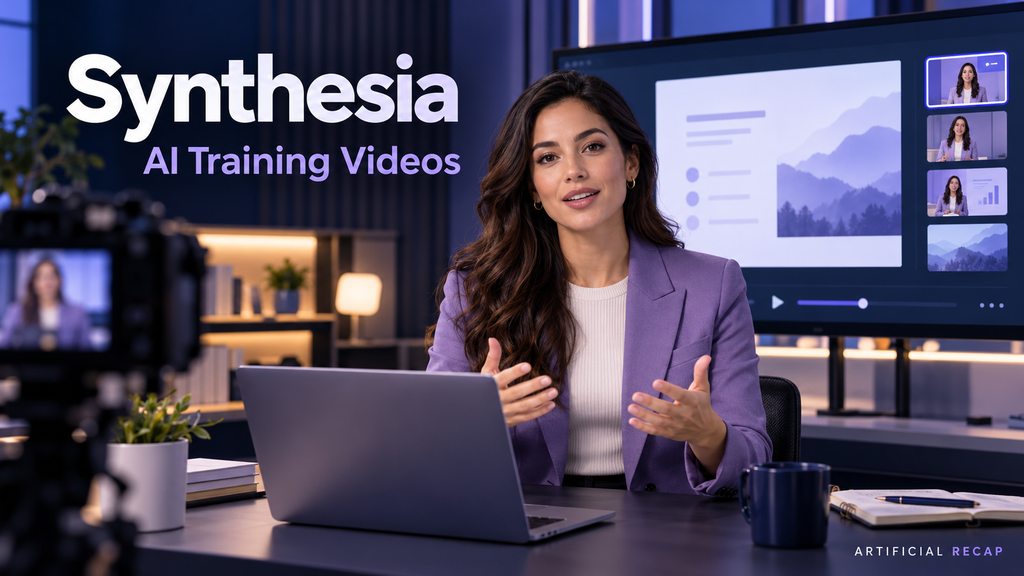
Synthesia is an AI video generation software that is primarily utilized for business communication, worker coaching and improvement, onboarding, schooling, and in-house videos. Extracts the content of text-based documents, scripts, or presentations and turns them into video with an AI avatar.
Synthesia’s plans include a limited free option, paid individual plans, and enterprise packages. Current plan details vary by billing model and may include monthly or annual video-minute allowances, avatar access, dubbing, collaboration, and enterprise features.
Synthesia reduces the effort required to create training and instructional videos. Teams can update a script and produce a new version without arranging a studio recording or asking a presenter to re-record every change.
Key features
- AI presenters and business avatars.
- Script-to-video creation.
- Presentation and document import.
- AI dubbing and translation.
- Branded templates.
- Collaboration tools.
- Interactive video features on selected plans.
- Enterprise controls such as SSO and SCORM export.
Our verdict
When it comes to corporate video, structured video, Synthesia is a reliable option. Use it over a cinematic generator if it’s important to have clear, consistent, localized, and repeatable training material.
7. Pika

Pika is an innovative AI video tool designed for short video creation, image animation, video effects, and creating videos for social media. Overall, it’s less of a hassle to use than professional production facilities.
It is great for making videos from photos, prototyping visual ideas, and producing engaging video snippets for social sites. Useful if speed and experimentation are more important than detailed production control.
Key features
- Text and image-to-video generation.
- Image animation.
- Short visual effects.
- Creative transformations.
- Social-media-oriented workflows.
- Simple browser-based interface.
Our verdict
Pika is a good entry point for casual creators and social media experiments. It should not be the first choice for complex storytelling, brand governance, or high-volume professional production.
Comparison Table
| AI video generator | Best for | Free option | Main strength | Difficulty |
| Runway | Creative professionals and broad video workflows | Yes, limited one-time credits | Generation, editing, audio, and multiple models in one workspace | Intermediate |
| Google Veo 3.1 | Realistic cinematic clips | Limited access varies by product | Native audio, reference images, and strong prompt following | Intermediate |
| Kling AI | Multi-shot scenes and character consistency | Limited credits or access may vary | Native audio, multi-shot generation, and up to 15-second clips | Intermediate |
| Adobe Firefly | Brand content and Adobe workflows | Yes, limited daily generations | Adobe integration and commercially focused Firefly models | Beginner to intermediate |
| HeyGen | Marketing, localization, and presenter videos | Yes, up to three videos monthly | Avatars, voice cloning, translation, and long-form video | Beginner |
| Synthesia | Training and internal business communication | Yes, limited access | Business avatars, templates, collaboration, and learning content | Beginner |
| Pika | Short social clips and creative effects | Access and limits vary | Fast, playful effects and image animation | Beginner |
Conclusion
In 2026, AI video generators have made significant strides, enabling the production of a wide range of clips, social media videos, and business videos. However, the right one is determined by your desired product.
Veo and Runway can be explored for cinematic use; Kling and Luma are more creative and advanced, and Pika, Firefly, and HeyGen might be more suitable for more accessible or niche workflows.
The easiest way to find your match is to simply pick one tool, give it the same idea, see what kind of results you get, and apply them to your needs before paying for a plan.
Artificial Recap
7 Best AI Tools for Students in 2026
FAQs
1. Best AI video generators in 2026?
Runway is the best overall choice for users who want generation, editing, audio, and access to multiple models. Google Veo 3.1 may be better for cinematic scenes with native audio, while HeyGen and Synthesia are better for business presenters.
2. Which AI video generator creates sound?
Google Veo 3.1 and Kling 3.0 support native audio. Runway also offers audio generation tools, although the exact workflow depends on the model and plan.
3. Which tool is best for business training videos?
Synthesia is designed specifically for structured business and training content. HeyGen is another strong option, especially when translation, voice cloning, and marketing use cases are important.